What Happens to a Website After Launch
Nobody warns you that a website is a depreciating asset. Here's how sites quietly rot in the first two years, and what a maintenance plan is actually paying for.
Jared Leagan
ProStart Solutions
Launch Day Is the Beginning
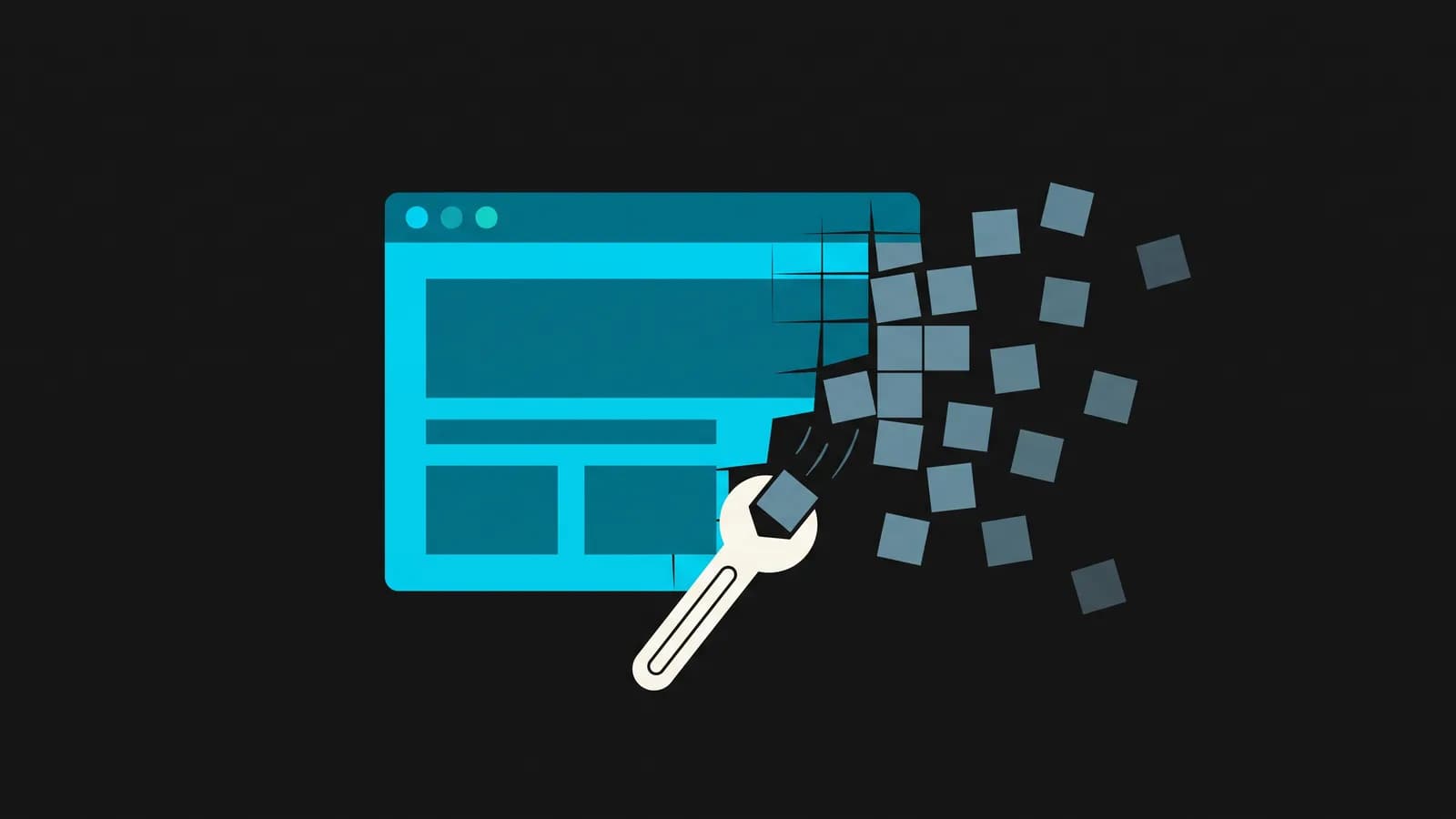
Most people treat a website like a renovation: spend the money, cut the ribbon, move on. It behaves much more like a vehicle. It works beautifully for a while, and then it does not, and the reasons are boring and cumulative rather than dramatic.
Almost nobody notices the decline while it is happening. That is the actual problem. A site does not announce that it has stopped bringing in enquiries — it just quietly stops, and six months later somebody wonders why the phone is quieter.
Here is what is actually going on under there.
The Four Ways Sites Rot
Dependencies drift
Every site is built on layers of other people's code — the framework, the plugins, the payment integration, the booking widget. Those layers keep moving. A plugin updates and breaks the contact form. An API changes and the map stops loading. Nothing was touched on your end; the ground moved underneath.
The contact form is the cruel one, because a broken form fails silently. Visitors fill it in, hit send, and nothing arrives. From your side it just looks like a slow month.
Security windows open
Known vulnerabilities get published. That is how the ecosystem works — a flaw is found, disclosed and patched, and everyone running the unpatched version is now on a list that is trivially scannable. An unmaintained site is not targeted because someone dislikes you. It is targeted because automation found it and it was cheap to try.
Content goes stale
Hours change. Staff leave. A service is dropped, prices move, the phone number changes. Every one of those inaccuracies is a small credibility cost, and the ones in your business listing are a direct local search penalty.
Performance sags
Someone uploads a 6MB photo through the CMS. Then a tracking script gets added for a campaign that ended a year ago. Then another. None of it is individually unreasonable and the cumulative effect is a site that loads noticeably slower than it did at launch — which, as we covered in Is Your Slow Website Costing You Customers?, costs conversions directly.
What Maintenance Actually Covers
"Maintenance plan" is a vague phrase that different agencies use to mean wildly different things, so it is worth being specific about what the work actually is:
- Updates and patching — framework, dependencies and integrations kept current, tested rather than applied blindly
- Backups that have been restored at least once — an untested backup is a hope, not a backup
- Uptime and error monitoring — finding out from an alert rather than from a customer
- Form and checkout testing — confirming on a schedule that the thing that generates your leads still works
- Performance checks — catching the 6MB photo before it costs you a quarter of your visitors
- Content updates — hours, staff, services, prices, kept accurate
- Search housekeeping — sitemap, structured data, broken links, business listing accuracy
The honest summary: you are paying for someone to notice. Most of what maintenance prevents is invisible precisely because it was prevented.
The Compounding Version
The more interesting case for ongoing work is not defensive. A site that gets attention gets better.
Mountain View Electric came to us with no professional website at all, losing work to competitors who simply ranked higher. We built their first site on Astro with local SEO structured in from day one, then kept working on it monthly rather than handing over the keys and walking away.
It is now their primary source of new leads, and over the last thirty days Cloudflare recorded roughly 630 visits to it. For a regional electrical contractor, that is not a vanity metric — that is the top of a funnel that ends in booked work. It is also one of our longest-running client relationships, which is the part that matters: the compounding only happens if someone is still there in year three.
That is the difference between a site that is maintained and one that is merely alive. One is a fixed asset slowly depreciating. The other is a channel that gets better every quarter because somebody keeps aiming it.
Do You Actually Need a Plan?
Not necessarily. Being straight about it:
Probably not, if your site is a handful of static pages with no forms, no integrations and no e-commerce, you rarely change anything, and the site is not a meaningful source of business. Check it quarterly and get on with your life.
Almost certainly, if the site takes payments, holds customer data, runs on a CMS with plugins, has forms you rely on, or is genuinely how customers find you. The cost of a plan is smaller than the cost of one bad month you did not notice for six weeks.
A Free Version You Can Do Today
Whether or not you ever pay anyone for this, do these four things this week:
- Submit your own contact form. Actually send it. Confirm it arrives. You would be surprised.
- Run a speed test. Our analyzer uses real PageSpeed data and explains the results in plain terms.
- Check your business listing. Hours, phone, address, services. Our local SEO audit will flag the on-page problems too.
- Confirm you have a backup, and that someone knows how to restore it.
If you would rather hand that off, our care plans cover it, and we're happy to talk it through before you commit to anything.
Ready to put these insights into action?
Get a free consultation and see how ProStart Solutions can help your business grow online.
Get Free ConsultationKeep reading
One Page Per Town: How Local SEO Structure Actually Works
Most local businesses try to rank one page for every town they serve. Here's why that fails, what building a page per service per market looks like, and the real numbers from a site we did it on.
When a Website Isn't Enough: Signs You Need Custom Software
If your business runs on spreadsheets, phone calls and a shared inbox, the problem isn't your website. Here's how to tell when you've outgrown pages and need an actual application.